Start with the short version if you decide budgets — or jump to the technical deep dive if you run the infrastructure.
Six things Valenius means for your organisation, before we get technical.
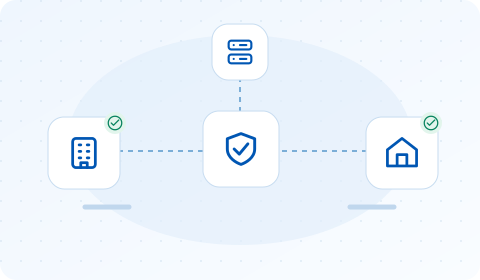
Valenius runs on your own servers. VPN keys, employee device data, and logs never leave your company — there is no vendor cloud they could leak from, and no third party to trust.
Stranto Business Solutions GmbH is based in the EU. No US CLOUD Act exposure, no overseas data transfers to explain to your data protection officer. GDPR compliance comes from the architecture itself — whether you self-host or use our EU managed cloud.
Your staff connect to the VPN with one click on their laptop, or a tap in the mobile app — without holding administrator rights on their machines. Fewer privileges means fewer security incidents and fewer support tickets.
The core platform is published under the AGPLv3 license. Your security team — or anyone else — can read exactly what the software does. No black box, no hidden phone-home.
The Community edition is free with no device limit and no trial clock. You pay only if you want automation (Pro) or want us to host it for you — and you can stop any time without losing your setup.
Already running a WireGuard® VPN? Valenius manages it from day one — no rip-and-replace, no migration project. Your existing server, firewall, or VM keeps doing its job.
How Valenius actually works: the client architecture, the management plane, and the Pro automation layer.
A privileged system service owns the WireGuard® tunnel; users talk to it through a tray app over a local IPC channel that authenticates the calling user. No UAC prompts, no sudo, no shared admin password — and per-user profile separation built in.
After the tunnel comes up, Valenius probes your server through the tunnel and only flips to a green checkmark once the probe succeeds — so “connected” means verified end-to-end, not just “interface up”.
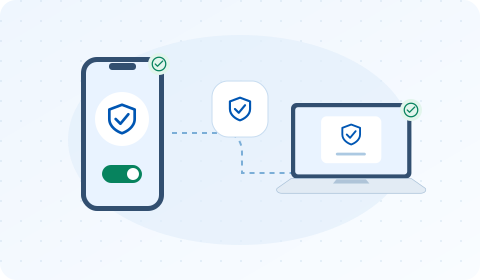
The Android and iOS apps share one codebase, so they get the same connect/disconnect flow and the same verified-connection checkmark as the desktop clients — the app keeps showing your VPN profiles even through a brief connectivity blip, instead of flashing an error.
New devices are activated by scanning a QR code — no typing configs on a phone keyboard.
Every client maintains a heartbeat plus a long-poll channel to your backend. A device shows online seconds after the user opens the tray app — and offline the moment they quit it, because the client actively signs off instead of waiting for a timeout.
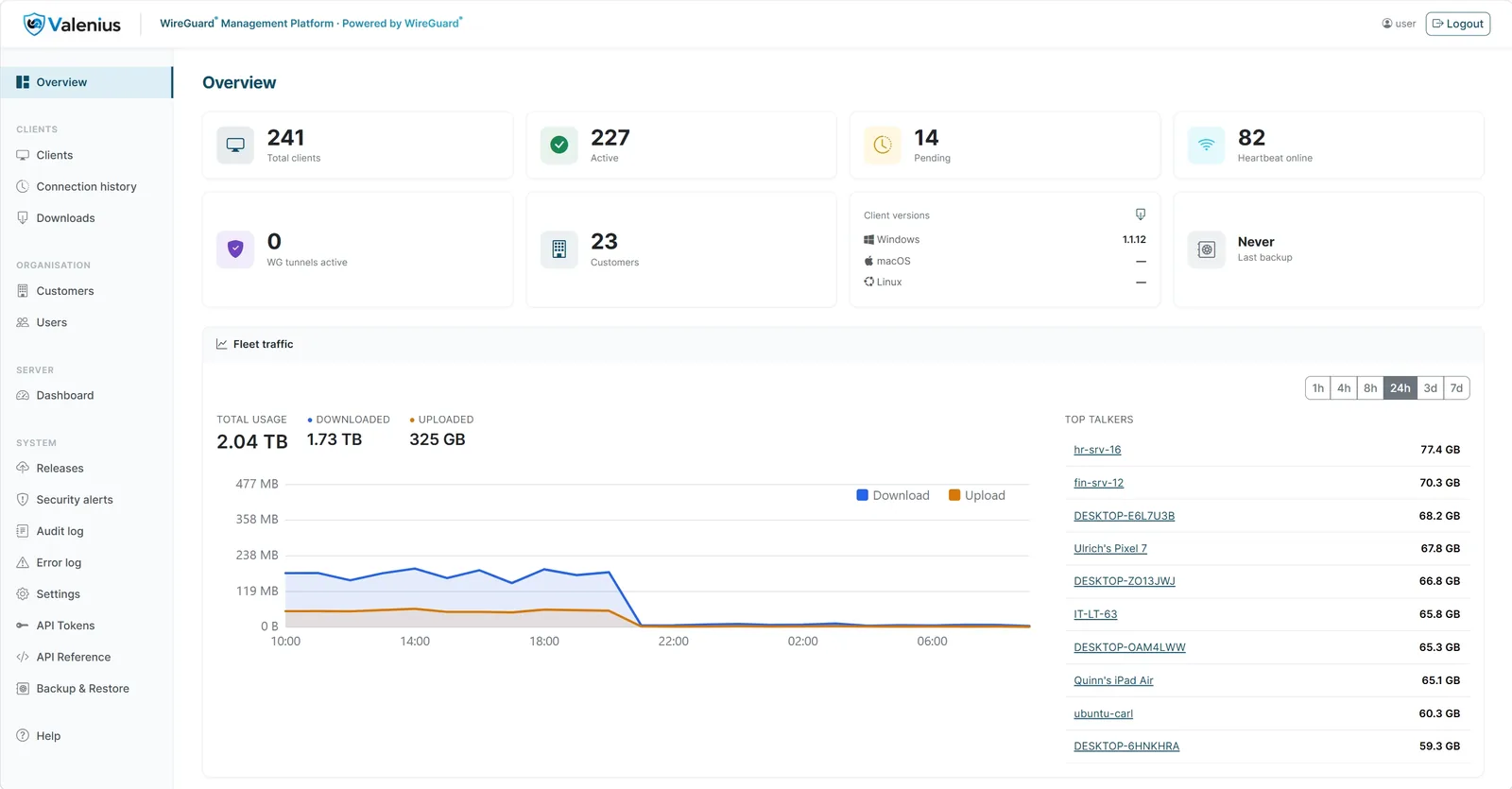
The actual admin panel — live fleet overview
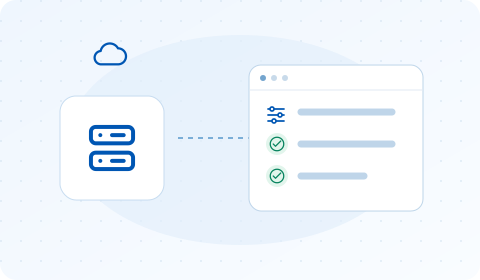
A lightweight sidecar runs next to your WireGuard® interface and gives the backend a management API. Approve a device in the panel — it gets a key pair, an IP from the interface subnet, and a complete config, without anyone touching a .conf file.
Setup is one enrollment token: the sidecar generates its own private key, sends a signing request to your backend, and receives its certificate automatically. The token is one-time and consumed on use.
Before you tell a customer their VPN is live, the admin panel can verify it for you. “Check ports” tests every inbound port the WireGuard® host needs — the UDP ports are confirmed with a real WireGuard® handshake, not a ping, so a pass proves the port is reachable, the server’s key matches, and peer provisioning actually works.
“Run test” goes further and has the server inspect itself: IP forwarding, NAT, firewall forwarding rules, upstream routing, and configuration drift. That catches the single most confusing VPN failure — a tunnel that connects, shows as connected, and carries no traffic at all. Nothing observed from outside the server can detect that.
Every Pro-managed WireGuard® server can also answer on UDP 443 — the port that hotel Wi-Fi, guest networks, and locked-down corporate firewalls almost always leave open, because it’s where HTTPS lives. Both ports stay live at once, with a per-customer toggle in the admin panel, and clients retry automatically on the fallback port the moment a connection attempt is blocked — no manual profile edit, no support ticket.
It’s a resilience layer most WireGuard®-based competitors simply don’t offer, because it takes a real management plane on the server side to run two ports safely and hand a client the right one automatically. For your users, a restrictive network stops being a reason to call IT.
Every call between your backend and your WireGuard® servers is mutually authenticated TLS: the backend runs its own internal certificate authority, and a server without a valid client certificate gets nothing but a health endpoint.
On end-user machines, configs are locked to the system account and encrypted at rest on every platform — in both editions. Standard users can connect, but can never read a private key; even direct disk access doesn’t expose one.
Pro can also gate the tunnel itself: server-enforced multi-factor authentication means a user’s VPN session only carries traffic after a verified second factor — a direct building block for NIS2-style access controls.
MFA is per-group, not all-or-nothing — stronger checks for admins, lighter for everyday staff. Instead of typing a code, users can approve a connection with a tap and Face ID/fingerprint on a second device. And it’s scoped to user access only: machine-to-machine and site-to-site connections are never interrupted.
Clients check your backend — not a vendor server — for updates and install them automatically within the hour. Need it now? “Force update” in the panel triggers an immediate one-shot rollout on the next heartbeat. Every download is checksum-verified before a single byte is installed.
Pro appliances go further: the update agent starts the new version next to the running one, health-checks it repeatedly, swaps production only on success, and keeps watching afterwards — rolling back automatically if the new version misbehaves.
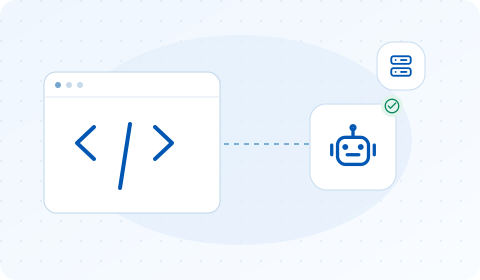
Anything an administrator can do in the panel, Pro can also do over a scoped REST API: create and edit clients and customers, provision peers, connect or force-disconnect a device, set MFA policy, mint QR pairing codes, pull traffic and audit data. The OpenAPI 3.1 specification is served openly from your own backend, so Visual Studio, Postman, n8n or an RMM can import it from the URL and generate a typed client — no token needed just to read the spec.
The same surface is also exposed as an MCP server — the protocol Claude, Gemini, OpenAI and Mistral use to call external tools. Point an assistant at your backend and ask it in plain language: “which clients haven’t checked in this week?”, “kill the tunnel on that stolen laptop”, “onboard a new customer called Acme”. Underneath, every request is an ordinary API call — same token, same permissions, same audit entry.
Access is yours to shape. A token carries only the scopes you tick, so a triage assistant can be allowed to look at the fleet without being able to change a single thing; adding the right to act is a deliberate, separate decision. Bind a token to one customer and it can never see the others. Revocation is immediate, and every action is recorded under that token’s name in the audit log.
The Community edition is free, self-hosted, and has every feature you just read about except the Pro automation.